
Can the Galaxy Z Fold 8 Replace Your Tablet for Work? A Look at Multitasking on the 7.6-Inch Screen
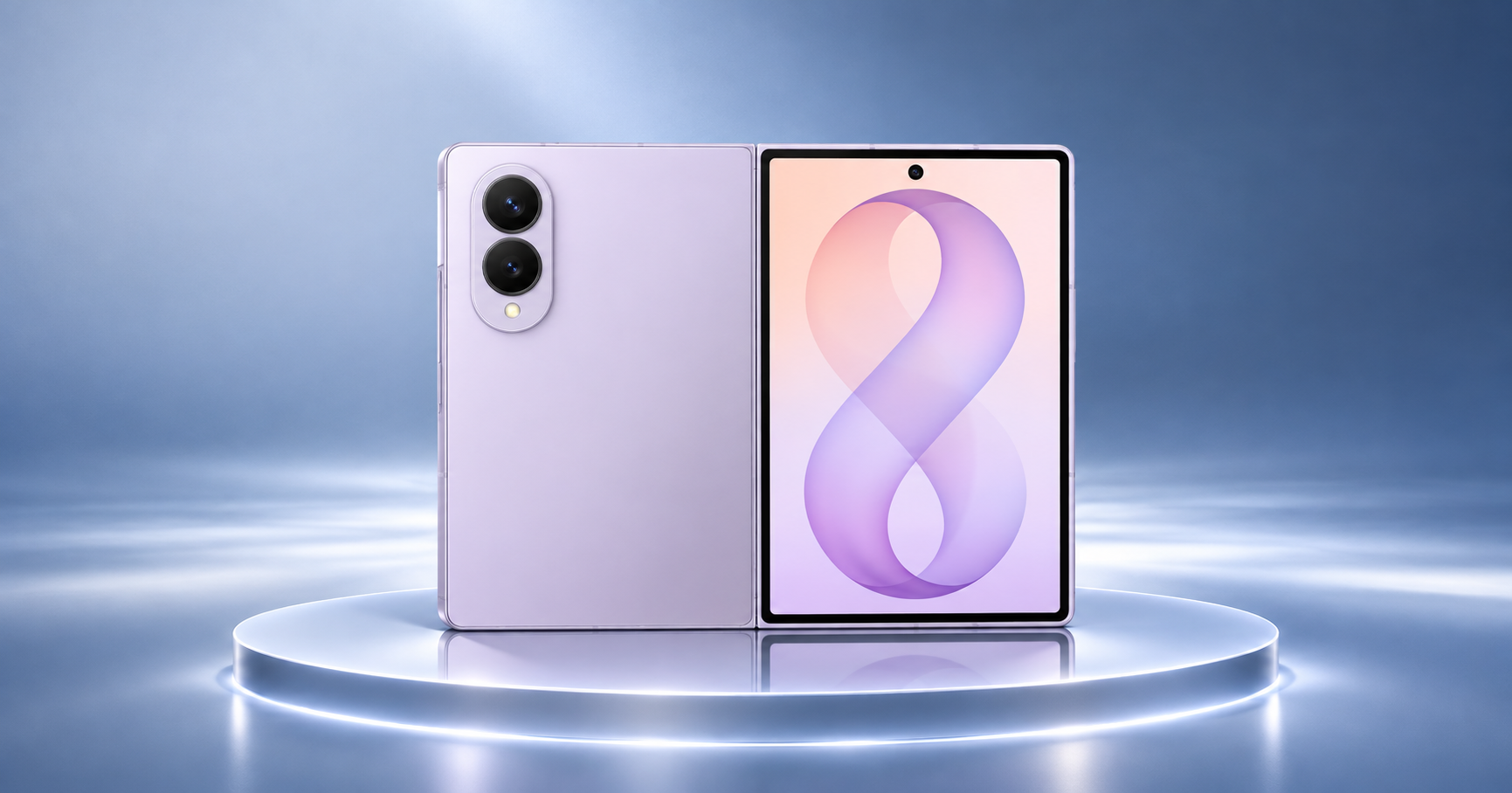
Carrying a phone, tablet, and laptop every day can feel like too much. What if one device could handle many of the tasks you usually do on a tablet while still fitting in your pocket?
That is the idea behind the Samsung Galaxy Z Fold 8. It works as a regular smartphone when folded and opens into a larger 7.6-inch display when you need more screen space. You can use it to read documents, reply to emails, join video meetings, browse websites, and work with multiple apps at the same time.
But can it really replace a tablet for work?
In this guide, we look at the phone's display, multitasking features, performance, battery, and practical work uses. If you are considering the Samsung Galaxy Z Fold 8 in Kuwait, this guide will help you decide whether it can fit into your work routine.
How Does the 7.6-Inch Screen Help with Work?
The biggest advantage of the Galaxy Z Fold 8 is its large inner display.
When folded, it has a 5.5-inch cover screen for calls, messages, quick searches, and other everyday tasks. When opened, the phone gives you a 7.6-inch Dynamic AMOLED 2X display with a QXGA+ resolution and an adaptive refresh rate of up to 120Hz.
This larger screen makes several work activities easier:
● Reading documents without constantly zooming in.
● Reviewing spreadsheets and tables.
● Checking emails while keeping another app open.
● Reading presentations and PDF files.
● Attending online meetings.
● Viewing websites with more content on the screen.
For example, imagine you receive an email with a document attached. You can open the document, review its details, and switch to your email app without repeatedly moving between separate devices.
The 7.6-inch screen does not offer the same working space as a full-size tablet, but it gives you more room than a regular smartphone.
Can You Run Multiple Apps at the Same Time?
Yes. Multitasking is one of the main reasons to consider a foldable phone.
Samsung's Multi Window features let you open supported apps side by side or in separate windows. You can also adjust the size of supported app windows to make better use of the large inner display.
For example, you could:
● Open your email on one side and a document on the other.
● Keep a video meeting open while checking your notes.
● Browse the web while writing down important information.
● View a spreadsheet while replying to a work message.
This is helpful when you need to complete small tasks quickly without carrying a laptop everywhere.
The phone also supports flexible app layouts. You can arrange supported apps to suit the task instead of using only one full-screen app.
However, not every app supports every multitasking layout. Some apps may not resize properly or may offer fewer features in split-screen mode. Your experience will depend on the apps you use.
Is the Galaxy Z Fold 8 Good for Emails, Documents, and Spreadsheets?
For everyday office work, the Samsung Galaxy Z Fold 8 can handle many tasks that people normally use a tablet for.
1. Emails and messages
The larger display gives you more room to read long emails and check attachments. You can keep your inbox open while reviewing information in another app.
This is useful for business owners, sales professionals, and people who receive frequent work messages.
2. Documents and PDFs
You can open documents, read reports, and review PDFs without needing a separate tablet. The larger screen also makes it easier to compare information and move between files.
However, writing long reports or editing complex documents may still feel more comfortable on a laptop with a physical keyboard.
3. Spreadsheets
The 7.6-inch display gives you more space to view spreadsheet rows and columns. You can check figures, review tables, and make smaller edits while travelling.
For large spreadsheets with many columns, a laptop or larger tablet will offer a better experience.
4. Presentations
You can review presentation slides, read notes, and check shared files. The screen is also useful for viewing presentation material during meetings.
For creating detailed presentations, a laptop remains the more practical choice.
Does the Processor Offer Enough Power for Work?
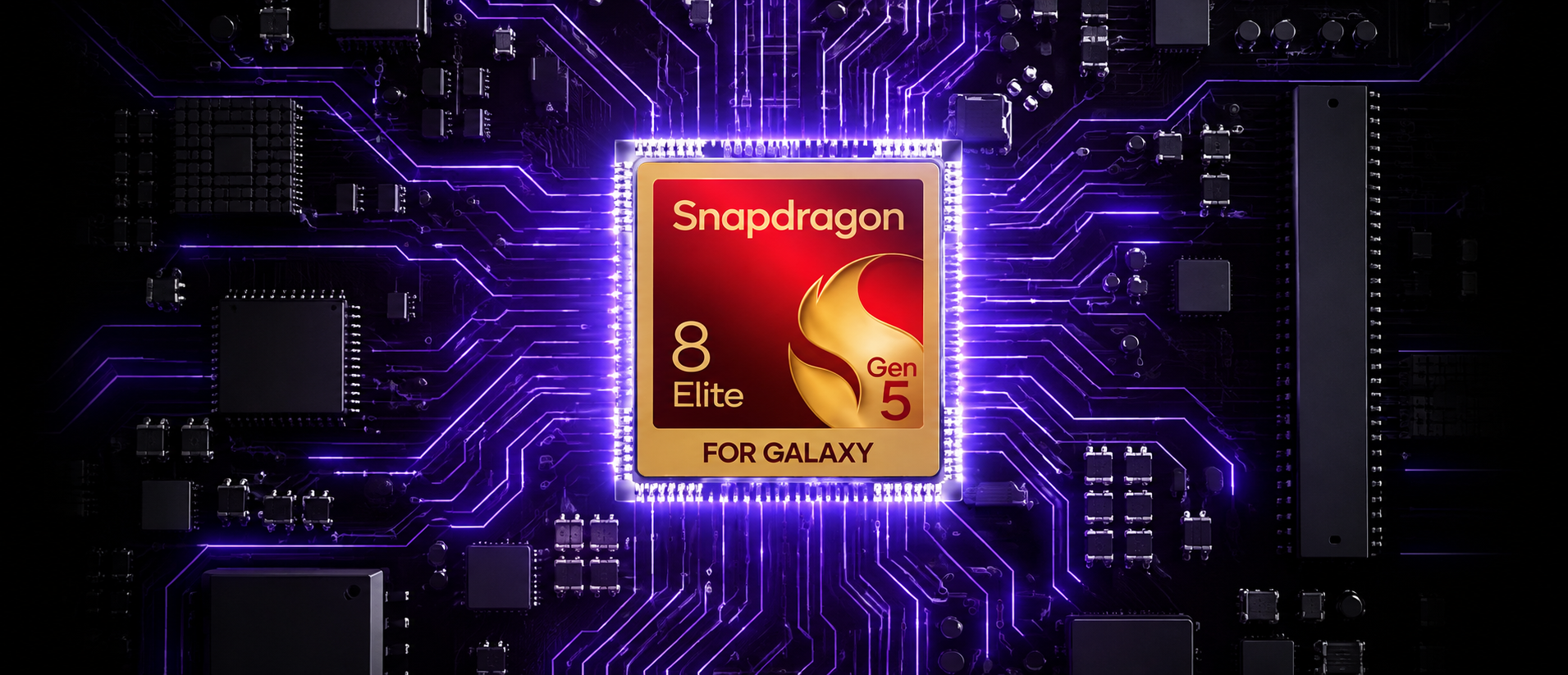
The Galaxy Z Fold 8 uses the Snapdragon 8 Elite Gen 5 for Galaxy processor. Samsung says this chip is designed to improve CPU, GPU, and AI performance while supporting demanding apps and everyday tasks.
In everyday use, this means you can expect support for activities such as:
● Running several supported apps.
● Browsing websites with multiple tabs.
● Editing photos and videos.
● Joining video calls.
● Using productivity and office apps.
● Switching between work and entertainment.
The phone comes with 12GB RAM on the 256GB and 512GB versions, while the 1TB version offers 16GB RAM. This gives the device working memory to manage active apps and tasks.
The processor and RAM make the Galaxy Z Fold 8 a strong option for mobile productivity. However, performance also depends on the apps, file sizes, network connection, and how many tasks you run at once.
Can It Replace a Tablet for Video Meetings and Remote Work?
For many people, yes. The Galaxy Z Fold 8 can handle regular remote-work activities without needing a separate tablet.
Its large inner screen is useful for video meetings because you can see meeting content while checking notes or documents. The front-facing cameras also support video calls when you are away from your desk.
You can use it for:
● Online meetings.
● Team messages.
● Calendar management.
● Checking work documents.
● Reviewing shared presentations.
● Accessing cloud-based files.
The flexible design also makes the phone convenient when you are travelling or moving between meetings.
However, a tablet may still be better if you regularly attend long meetings and need a larger viewing area. A laptop is also more suitable when you need a physical keyboard, advanced desktop software, or several large windows open at once.
How Long Can the Battery Last During a Workday?
Battery life matters when you use your phone for work. You may need to attend meetings, respond to messages, browse websites, and review documents throughout the day.
The Samsung Galaxy Z Fold 8 has a 4,800mAh battery. Samsung estimates up to 26 hours of video playback under its testing conditions. Actual battery life depends on screen brightness, network use, apps, and other settings.
For everyday work, battery use can increase when you:
● Keep multiple apps open.
● Use the inner display for long periods.
● Attend video meetings.
● Use mobile data or 5G frequently.
● Run demanding applications.
You can help extend battery life by lowering screen brightness, closing apps you are not using, and connecting to Wi-Fi when practical.
If you travel often or work away from a power outlet, carrying a suitable power bank is also worth considering.
What Are the Limitations of Using the Galaxy Z Fold 8 as a Tablet?
Although the Galaxy Z Fold 8 offers a large screen, it cannot replace every tablet or laptop.
Here are a few limitations to consider:
● Smaller working area: Its 7.6-inch screen is useful for multitasking, but it is still smaller than many tablets.
● Typing comfort: The on-screen keyboard is fine for short messages and quick replies. Long reports and large amounts of writing are easier with a physical keyboard.
● App support: Not every mobile app is designed for foldable displays. Some may not use the available screen space well.
● Battery demands: Using several apps on the large display can use more power than basic phone activities.
● Specialized software: Some professional tools for design, video editing, accounting, and advanced spreadsheets work better on computers.
The best approach is to consider the apps you use every day. If most of your work involves emails, documents, meetings, browsing, and simple edits, the Galaxy Z Fold 8 may reduce your need for a separate tablet.
Is the Samsung Galaxy Z Fold 8 Worth Buying for Work in Kuwait?
If you are considering the Samsung Galaxy Z Fold 8 in Kuwait, think about how you plan to use it.
It may be a good choice if you:
● Travel regularly for work.
● Read and review documents on your phone.
● Attend online meetings.
● Use email and messaging apps throughout the day.
● Switch between multiple apps.
● Want a large screen without carrying a separate tablet.
It may not completely replace a tablet if your work involves detailed graphic design, long documents, large spreadsheets, or advanced editing.
Where can you buy the Samsung Galaxy Z Fold 8 in Kuwait?
You can explore the Samsung Galaxy Z Fold 8 collection at Chips.
Before ordering, compare the available storage options, colors, prices, and warranty details. Check the latest stock information on the product page because availability and prices can change.
At Chips, we make it easier to browse Samsung smartphones and compare devices before choosing one for your everyday needs.
Final Thoughts
The Samsung Galaxy Z Fold 8 brings together the convenience of a smartphone and the larger screen experience of a tablet. Its 7.6-inch display, powerful Snapdragon processor, and multitasking features make it useful for people who need to manage work while travelling or away from their desks.
For emails, documents, video meetings, browsing, and everyday office tasks, it can reduce the need to carry a separate tablet. However, it is not a complete replacement for a laptop or a larger tablet when your work involves detailed editing, long reports, or specialized software.
At Chips, we recommend choosing a device based on your actual work habits rather than its specifications alone. Think about the apps you use, how often you multitask, and whether a foldable screen will make your daily routine easier.
Ready to explore your options? Visit the Chips Samsung Galaxy Z Fold 8 collection to check available models and find a foldable phone that suits your work and everyday needs.
Frequently Asked Questions
1. Can the Samsung Galaxy Z Fold 8 replace a tablet?
Yes, for many everyday tasks. Its 7.6-inch inner display supports reading, browsing, emails, video meetings, and multitasking. However, a larger tablet may be better for detailed editing, drawing, and extended work sessions.
2. How big is the Samsung Galaxy Z Fold 8 inner screen?
The Galaxy Z Fold 8 has a 7.6-inch Dynamic AMOLED 2X inner display with QXGA+ resolution and an adaptive refresh rate of up to 120Hz.
3. Does the Galaxy Z Fold 8 support split-screen multitasking?
Yes. Samsung's Multi Window features allow users to run supported apps side by side or in separate windows. This is useful for checking emails while reading documents or taking notes during meetings.
4. How much RAM does the Samsung Galaxy Z Fold 8 have?
The 256GB and 512GB versions have 12GB RAM, while the 1TB version has 16GB RAM.
5. How long does the Galaxy Z Fold 8 battery last?
It has a 4,800mAh battery, with Samsung estimating up to 26 hours of video playback. Actual battery life depends on how you use the phone.
6. Where can I buy the Samsung Galaxy Z Fold 8 in Kuwait?
You can check the Chips online store for available configurations, current prices, and stock information.